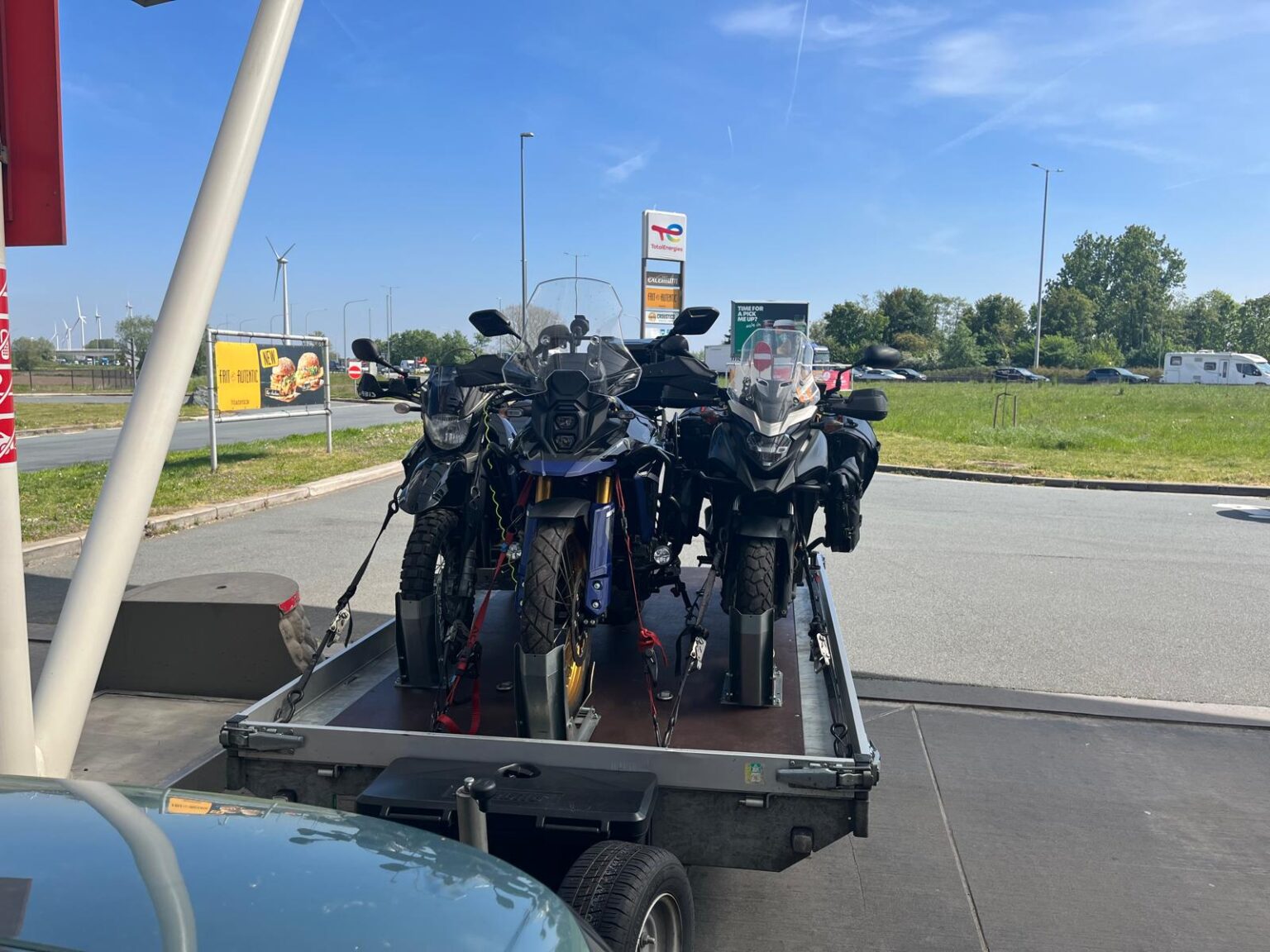
Navigation Setup
A self-guided offroad route depends on a reliable GPX setup, offline maps, power supply and backup navigation before entering remote terrain
Know your navigation before the trail
PyrAscend is built around GPX navigation. This means riders follow a prepared route file using a GPS device or navigation app. The GPX gives structure, but it does not replace rider awareness, terrain judgement or common sense.
Before starting the route, riders should test their navigation setup, download offline maps and make sure their device can stay powered during long riding stages. A working setup is essential, especially in remote mountain areas where mobile signal may be limited.
Key Navigation Requirements
A reliable navigation setup should be prepared before departure. The sections below cover the main parts needed for self-guided GPX riding.
GPX-Compatible Device
Use a GPS device, smartphone or tablet that can open and follow GPX files reliably during offroad riding.
Power Supply
Use a charging cable, powered mount or powerbank. Long riding days can drain batteries quickly, especially with screen brightness and GPS active.
Route Familiarity
Review the route before riding. Riders should understand the day structure, major turns, possible detours and where fuel or accommodation points are located.
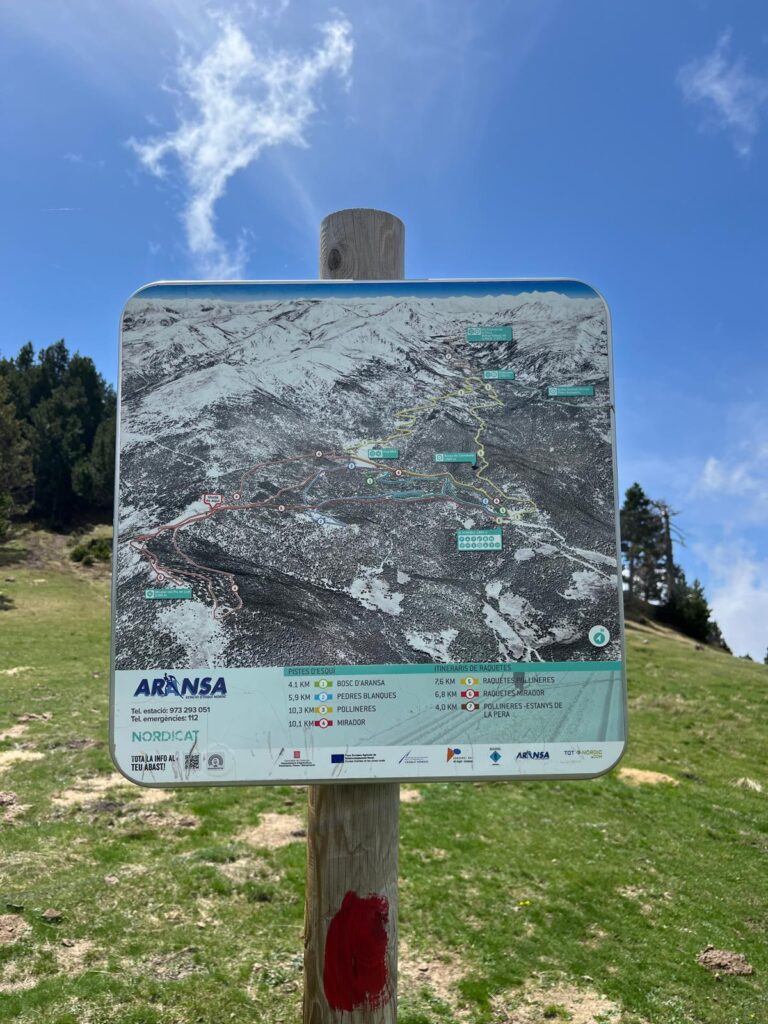
Offline Maps
Download offline maps before the route. Mobile signal can be weak or unavailable in remote mountain sections.
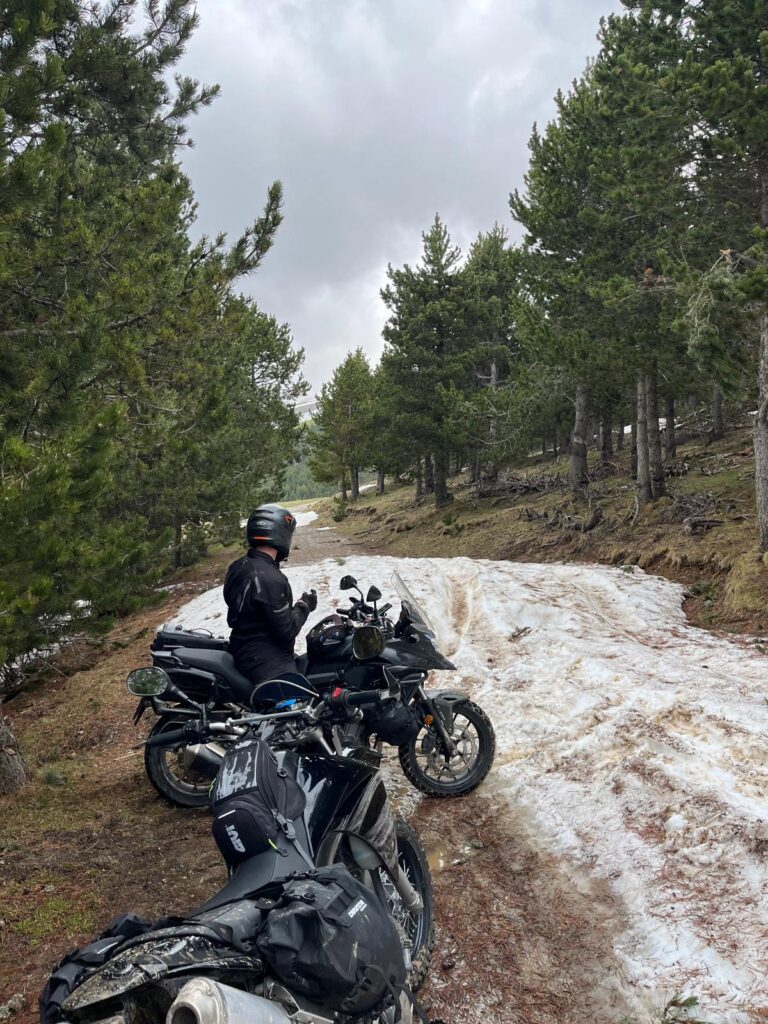
Backup Navigation
Carry a backup option, such as a second phone, powerbank, paper map or spare GPS device. Navigation failure can become a serious issue in remote areas.
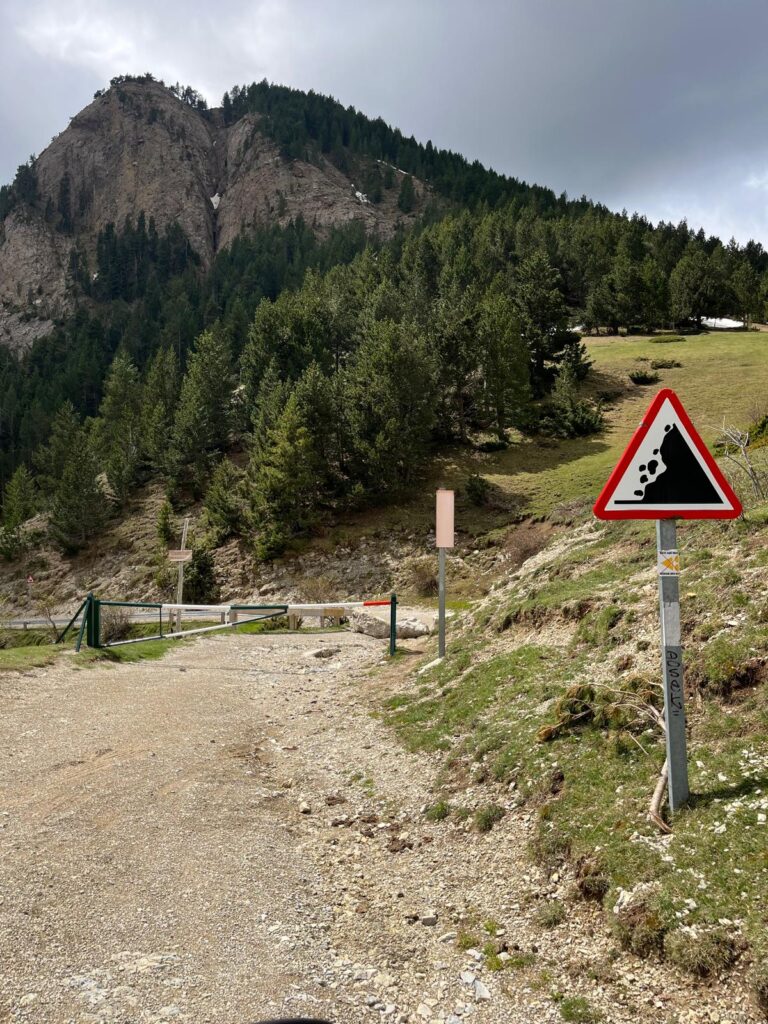
Terrain Awareness
Do not follow the GPX blindly. Signs, barriers, collapsed trails, weather damage or private land always override the route line.
Navigation Options
The PyrAscend route can be navigated with a smartphone or a dedicated GPS device, as long as the setup supports GPX files and clear route tracking. A phone can work well when paired with suitable navigation software, while Garmin or other GPS devices can also be used if they support the correct GPX workflow.
During our own route testing, we used Kurviger Tourer+ on a smartphone. This allowed us to load the GPX files, follow the route, check the day structure and adjust navigation when needed. Other apps or GPS systems can also work, but riders should test their setup before departure and make sure the route is clearly visible while riding.
Pre-Ride Navigation Checklist
Checklist A, Digital Setup
- GPX file loaded
- Offline maps downloaded
- Navigation app tested
- Route visible on device
- Oil level Day stages checked
- Fuel and overnight points marked
- Detours or alternatives reviewed
Checklist B, Device & Backup Setup
- Device fully charged
- Charging cable tested
- Powered mount working
- Powerbank packed
- Backup navigation available
- Screen visibility checked
- Device mounted securely
- Waterproof protection checked
Prepare your riding gear next
After checking your motorcycle, prepare your GPX device, offline maps, charging setup and backup navigation before riding the route.